
USB Microphone or Audio Interface: Which Makes More Sense for Recording Instruments?
Choosing between a USB microphone and a dedicated audio interface is a common question for those who need to... record instruments in a home studio.
Advertisements
Sound recording technology has evolved significantly, making compact equipment capable of recording acoustic and electrical timbres with enormous digital fidelity.
While built-in microphones prioritize practicality and mobility for quick recordings, external sound cards deliver superior preamps, direct pre-monitoring without latency, and modularity.
Analyzing your instrument's requirements—such as the need for Hi-Z inputs for guitars or multiple channels for acoustic guitar and vocals—prevents you from making misguided investments.
Understanding the behavior of analog-to-digital converters (ADCs) and the flexibility of each ecosystem ensures that your music production reaches truly professional levels.
Advertisements
What differentiates a USB microphone from an external audio interface?
The USB microphone houses the pickup capsule, internal preamplifier, and digital converter within its own metal casing.
On the other hand, the audio interface acts as a dedicated external sound card, processing multiple analog signals through XLR and connections. $P10$.
| Technical Parameter | Integrated USB Microphone | Dedicated Audio Interface |
| Main Connection Type | Plug and play via USB-A or USB-C | USB/Thunderbolt cable connected to the PC |
| Inputs for Instruments | Limited to its own capsule (some have P10) | XLR channels, Hi-Z inputs and 1/4" line inputs |
| Latency in Monitoring | Software processing with a subtle delay. | Direct hardware monitoring with no delay. |
| Typical Audio Resolution | 16-bit / 48 kHz up to 24-bit / 96 kHz | 24-bit / 96 kHz up to 24-bit / 192 kHz |
| Setup Expandability | None (sealed and unique equipment) | High (free exchange of microphones and cables) |
Technical information on acoustics, digital audio standards, and transmission standards can be found on the portal of Audio Engineering Society, a global authority in sound engineering.
For those who intend record instruments Whether you're looking for a stringed instrument with active or passive pickups, the interface's Hi-Z inputs ensure perfect electrical impedance matching.
Signal conversion on external interfaces substantially reduces background noise (self-noise), preserving the natural dynamics and frequency response of your performance.
The flexibility to switch between condenser and dynamic microphones without replacing the entire system makes the audio interface the most sustainable long-term investment.
Despite these technical advantages, modern USB microphones offer highly viable solutions for those seeking to record musical ideas, sketches, and compositions without operational complications.
How does latency affect monitoring when recording instruments?
Latency represents the accumulated time delay between the sound being emitted by the instrument and its arrival at the headphones after digital processing.
Simple USB microphones rely on the computer's operating system processing, generating milliseconds of delay that disrupt the musician's timing.
Audio interfaces circumvent this problem by offering direct hardware monitoring, sending analog audio from the input directly to the headphone output.
Playing a guitar or keyboard line while listening to perfectly synchronized sounds is fundamental to maintaining rhythmic accuracy and emotional interpretation.
The absence of perceptible delay ensures a professional workflow in the digital audio workstation (DAW), optimizing the recording phase.
Why is the impedance of Hi-Z inputs crucial for electrical instruments?
Electric guitars and basses equipped with passive pickups generate signals with high impedance and a relatively low voltage level.
Connecting these instruments to conventional line inputs results in a significant loss of high frequencies and a weak, dull, and lifeless sound.
Audio interfaces have dedicated switches to toggle the $P10$ inputs to Instrument (Hi-Z) mode, electronically adjusting the circuit impedance.
This impedance matching preserves the original frequency response of the pickups, delivering the ideal signal to be processed by amp simulator plugins.
USB microphones lack this dedicated physical input, requiring adapters that degrade sound quality before reaching the internal converter.
To deepen your knowledge of acoustics, instrument recording, and architectural acoustics, the INMETRO It provides guidelines on metrology and measurement standards in Brazil.
Choosing the ideal tool for record instruments At home, it depends on the level of control and technical quality that your productions require on a daily basis.
Investing in an expandable ecosystem via XLR cable and interface avoids having to discard equipment as your production techniques advance.
Adjusting the input gain (gain/staging) on the equipment's physical panel provides greater precision than controlling volumes via sliders in digital software.
When is it worthwhile to choose a USB microphone for a home studio?
Musicians seeking absolute practicality and portability will find the USB microphone the perfect solution for travel, quick rehearsals, and composition demonstrations.
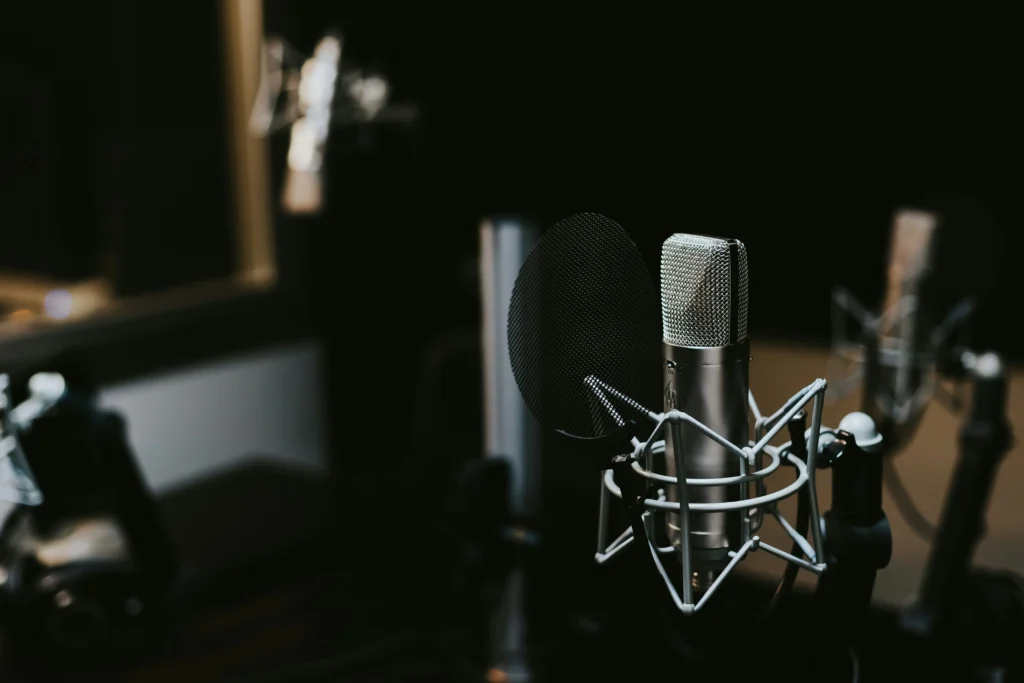
Recording an acoustic guitar or vocals in an untreated environment can be done quickly by connecting a single cable to the laptop port.
Read more: How to Record Guitar on Your Cell Phone Without Losing String Details
The reduced initial cost allows for resource savings in the early stages, enabling the recording of ideas before transitioning to a professional system with an interface.
Content creators who prioritize vocals but occasionally record acoustic guitar backing tracks will find these microphones to offer an excellent balance between investment and performance.
What are the limitations of using a USB microphone for stereo recording?
Capturing the natural sound of an acoustic piano or drum set requires the use of two or more microphones strategically positioned in the space.
Operating systems face enormous difficulty in recognizing and synchronizing two independent USB microphones in a stable manner and without phase issues.
XLR multi-channel audio interfaces solve the problem, allowing you to simultaneously record multiple sound sources on individual tracks in your DAW.
Learn more: Comparison: Dynamic vs Condenser Microphone for Home Recording
Multichannel recording makes it possible to equalize, compress, and apply effects separately to each instrument during the final mixing and mastering stage.
Conclusion
The choice between a USB microphone and an interface depends on your artistic goals, available budget, and level of technical requirements.
For those seeking simplicity and mobility to capture quick ideas or vocals and guitar, the USB microphone delivers excellent plug-and-play convenience.
Read more: Comparison: USB microphones vs. XLR microphones
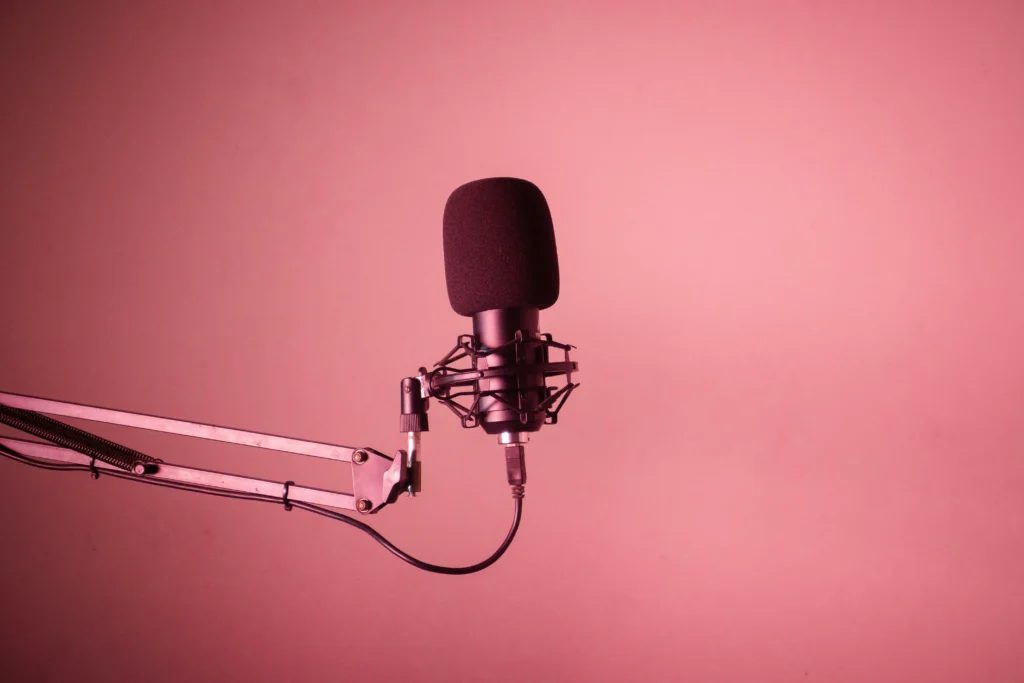
However, for complex arrangements, direct-to-guitar setups, and future expansion, an audio interface with XLR connections is the undisputed choice for the professional musician.
Frequently Asked Questions (FAQ)
Can I plug an electric guitar directly into a USB microphone?
The vast majority of USB microphones only capture acoustic waves through the air; except for rare hybrid models, there is no 1/4" (P10) input to connect the guitar cable directly to it.
Is the audio quality of a USB microphone inferior to that of an audio interface?
Quality depends on the capsule and the internal converters; However, dedicated interfaces usually have preamps with lower noise levels and higher sound fidelity.
Is it possible to upgrade the components of my setup if I use an audio interface?
Yes, the interface offers complete modularity, allowing you to switch between XLR microphones, cables, or instruments without having to replace the studio's main sound card.
